QuickBooks bank feed not updating: how to fix it, and why it keeps happening
Transactions have stopped importing into QuickBooks. The fix takes five minutes — but the reason it recurs is worth more than the fix. Both, in order.
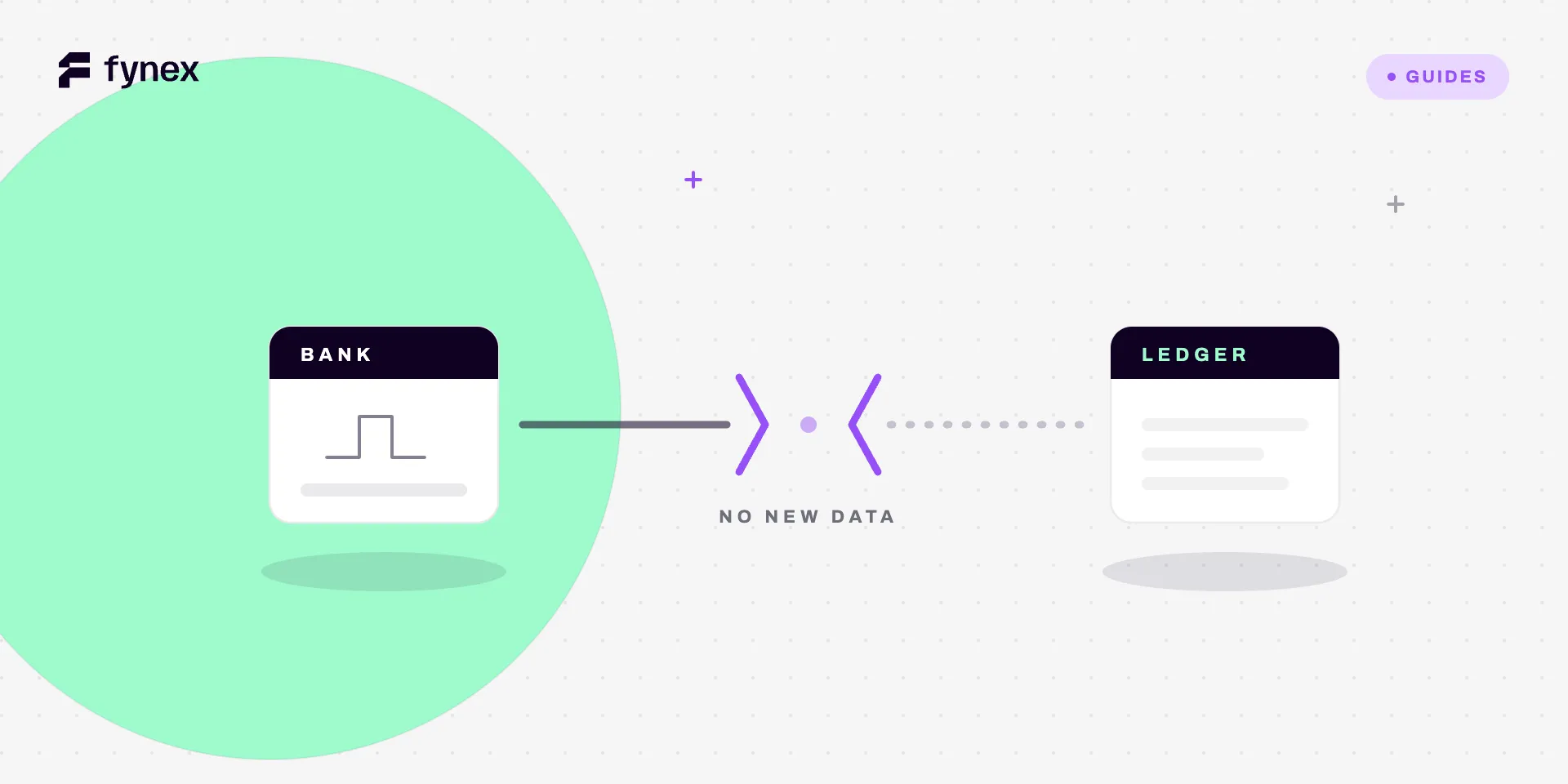
The banking screen is empty. It was fine last week. Nothing has changed on your side, and there are now eleven days of transactions that QuickBooks does not know about.
The fix is usually five minutes. The reason it happened is worth more than the fix, because it will happen again.
The five-minute fix, in order
1 · Force an update
Open Banking (or Transactions → Bank transactions) and click Update. This asks QuickBooks to request transactions now rather than waiting for its scheduled sync.
If new transactions appear, you are done — the scheduled sync simply hadn’t run. If nothing appears, the problem is the connection, not the sync.
2 · Check for a banner on the account tile
QuickBooks reports connection failures on the individual account tile, not in a general alerts area. A tile showing an error, a warning icon, or a “last updated” date several days old is telling you the connection is broken.
The message matters. Needs attention or action required usually means the bank is waiting for something — often a security prompt on the bank’s own website that has to be answered there first.
3 · Log in at the bank directly
Before reconnecting anything, log in to the bank in a browser. Roughly half of all feed failures resolve here, because the bank is holding a blocking item:
- A new terms-and-conditions acceptance
- A security question or device verification
- A forced password reset
- A notice that must be dismissed before the account is usable
Automated connections cannot answer any of these. The feed will keep failing silently until a human clears it.
4 · Reconnect the account
If the bank login is clean and the feed still fails, disconnect and reconnect from the account tile. This re-authorises the connection with fresh credentials.
Do not delete the account. Disconnecting stops the feed and preserves history. Deleting the account removes the register, and rebuilding it is a genuinely bad afternoon.
5 · Backfill the gap manually
Reconnecting often backfills a limited window — usually around 90 days on a fresh connection, frequently less on a reconnection. If your outage is longer than what came back, download the missing period from the bank as a CSV or QBO file and import it.
Trim the date range exactly to the gap. Overlapping even a single day with transactions already imported is the single most common way duplicates get created, and duplicates are a considerably worse problem than the missing transactions you were fixing — see the QuickBooks discrepancy checklist for what that costs at month-end.
Why it keeps happening
Bank feeds break more often than any other integration a small business runs, and the reason is structural rather than a QuickBooks fault.
The connection is one-directional and unauthenticated in both directions. QuickBooks asks the bank for data on a schedule using a stored credential or token. The bank has not agreed to tell QuickBooks anything when that credential stops working — it simply stops returning data. From inside QuickBooks, “the connection is broken” and “you had a quiet week” produce identical screens.
Banks change their login flows without notice. Every added security step, every new consent screen, every migration to a new online banking platform can break an automated connection. This happens more in some markets than others, and it is entirely outside your control.
Credentials expire on their own. Many bank connections are time-limited by regulation or by policy and require periodic re-authorisation. In the UK and EU, open banking consents commonly need renewing on a fixed cycle. The renewal prompt is easy to miss, and the feed simply stops when it lapses.
Nothing tells you. This is the real problem. A broken feed produces silence, and silence is indistinguishable from normal. Most businesses discover the outage at month-end, which is the worst possible moment — you are now reconstructing several weeks of activity under time pressure, with no memory of what any of it was for.
The habit that costs nothing
Once a week, look at the date of the most recent transaction in each connected account. Not the balance, not the number of items to review — the date.
If the newest transaction in an active account is more than three or four days old, the feed is broken. That is the entire check, it takes fifteen seconds, and it converts a month-end emergency into a Tuesday morning reconnection.
Set a weekly reminder if that helps. The failure mode here is never that the check is hard; it is that nobody is looking.
What a feed is not
A working bank feed tells you what the bank says happened. That is all it does.
It does not tell you which invoice a deposit settles. It does not tell you whether the amount received matches the amount billed. It does not tell you that a customer paid £4,820 against a £5,000 invoice and left a balance nobody will chase. It does not know that three of this week’s deposits are one processor payout net of fees, covering forty separate sales.
Those are reconciliation questions, and a perfectly healthy feed answers none of them. This distinction gets lost constantly, because a tidy banking screen feels like being on top of the finances. It is closer to having a clean inbox — the messages have arrived, and nothing has been dealt with.
The gap widens with volume. At twenty transactions a month a human closes it by recognising every line. At two thousand, nobody recognises anything, and the categorisation becomes a guess with a rule attached — which is why CSV exports and bank feeds are not a reconciliation process.
Where Fynex fits
Fynex does not depend on scraping your bank to know what happened, because it is present when the payment happens. The record of a payment is created at the point of movement and carries what the bank feed never has: the invoice it settles, the fee deducted, the payout it arrived in, the party it belongs to.
That changes what an outage means. A broken feed becomes an inconvenience in one system rather than a blind spot across the business, because the operational record does not depend on the bank agreeing to hand it back later.
It also changes the weekly question. Instead of “is the feed still running”, the question becomes “is anything unmatched” — and that has an answer on screen, continuously, with the reason attached.