Setting up QuickBooks for a service business: the decisions that bite later
Most QuickBooks setup guides walk the wizard. This covers the four choices that are painful to change afterwards — chart of accounts, tracking, deposits and how payments arrive.
Most QuickBooks setup guides walk you through the wizard. The wizard is not the hard part — it takes twenty minutes and the defaults are mostly fine.
The hard part is four decisions the wizard does not draw attention to, each of which is cheap to make now and expensive to change in eighteen months, once every historical transaction depends on it.
Decision 1 · How granular the chart of accounts should be
The instinct is to create an account for everything. Resist it.
A chart of accounts is not a filing system. It is the set of questions your reports can answer. Every account you add is a categorisation decision someone has to make correctly, every time, forever — and the more accounts there are, the less consistently that happens.
The test: write down the questions you want answered. Which services actually make money? What does delivery cost me? Where is overhead going? What do I spend on subcontractors versus employees? Create an account only where answering one of those requires it.
For a typical service business that means roughly:
- Income: split by service line if the lines have genuinely different economics. Not by client. Not by project.
- Cost of sales: the costs that scale with delivery — subcontractors, freelancers, project-specific software, direct travel.
- Operating expenses: the standard categories, kept boring.
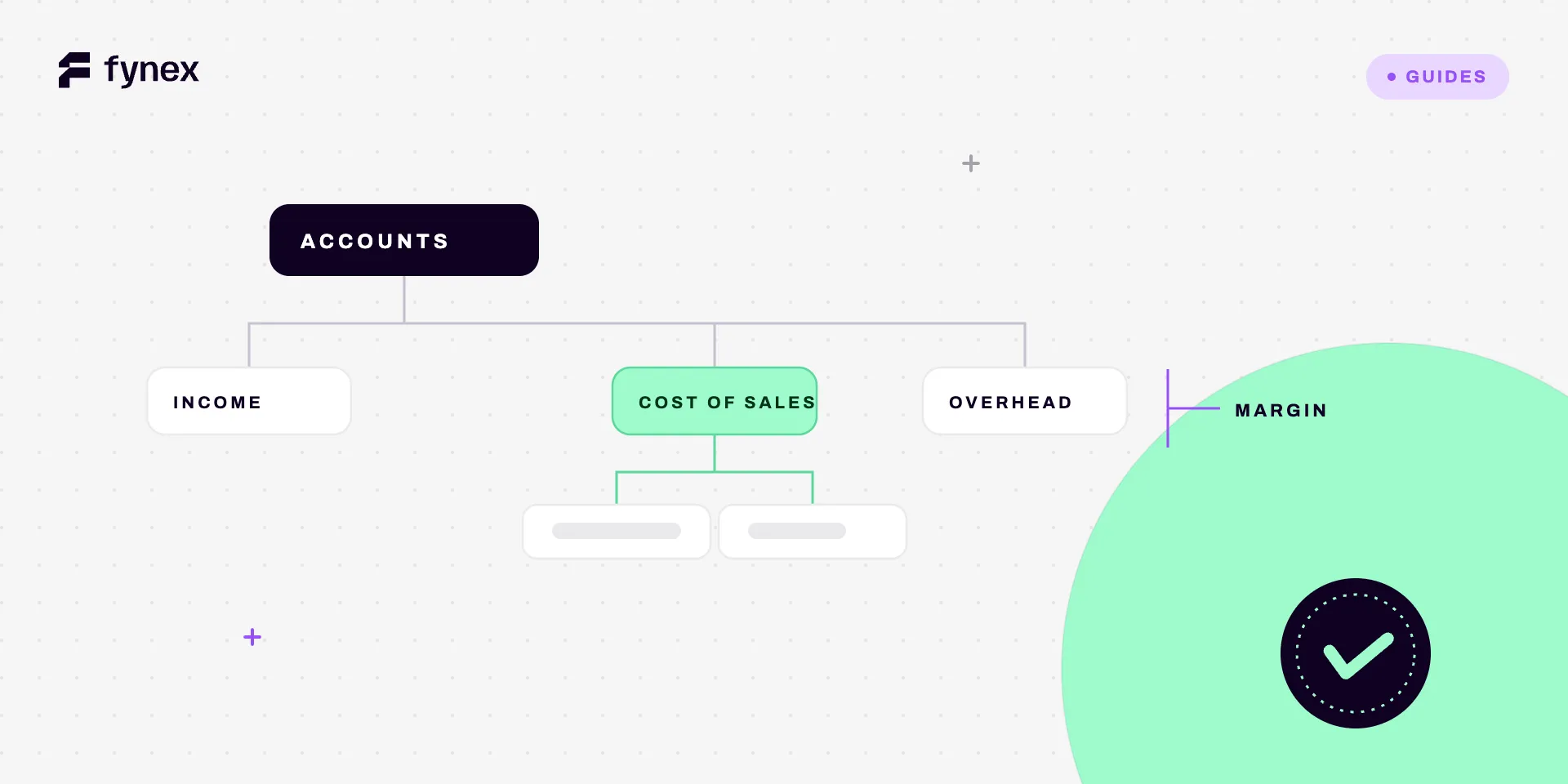
The single most valuable distinction here is cost of sales versus operating expenses, because it is the only way to see gross margin. Service businesses that lump everything into overhead cannot tell whether the work is profitable or whether the business is merely busy. Getting this wrong is the most common reason a growing agency or consultancy discovers too late that its best-selling service is its worst-performing one.
What does not belong in the chart of accounts: clients, projects, locations, teams. Those are tracking dimensions.
Decision 2 · Projects or classes (or both)
QuickBooks gives you two ways to slice activity beyond the account, and they answer different questions.
Projects — for work with a start and an end, where the unit of profitability is the job. Use these when you need to know whether the Henderson rebuild made money after everything landed against it.
Classes — for ongoing divisions: a location, a service line, a team. Use these when you need to know whether the London office is profitable, not whether a particular engagement was.
Plenty of service businesses need both. The reason to decide early is that retrofitting either one is manual work proportional to your history. Deciding in month two costs an afternoon. Deciding in year two means re-coding thousands of transactions, or accepting that all comparative reporting starts from the date you turned it on.
If you are not sure, turn on the one you can articulate a question for. Turning it on and not using it costs nothing; needing it later and not having it costs a quarter of reporting.
Decision 3 · How payments actually arrive
This is the one that gets skipped, and it is the one that generates every reconciliation problem for the next three years.
Answer these before you invoice anyone:
Do payments arrive gross or net? If a processor deposits net of its fees while your invoices are recorded gross, every deposit will disagree with every invoice by the fee amount. The correct treatment keeps all three facts true — invoice at gross, fee as an expense, deposit at net. The shortcut of recording only what hit the bank understates revenue and costs, and quietly distorts margin.
Does one deposit cover several invoices? Processors and platforms typically settle in batches. One £8,400 deposit covering eleven invoices will never match anything on its own. This needs a clearing account: the settlement lands there, then breaks down into the individual invoices it contains. Set this up at the start — introducing it after two years of batch deposits means unpicking two years of guesses.
Do you take deposits or stage payments? Money received before work is delivered is a liability, not revenue. If your setup treats every incoming payment as income on receipt, your revenue is wrong in every period where the timing of billing and delivery differ. For anyone billing deposits and stage payments, this is not a technicality — it is most of the year.
Do you hold money that belongs to someone else? Client funds, subcontractor amounts collected on their behalf, disbursements. That money is not yours and must not be in an income account. Get this wrong and your revenue figure includes money you are merely holding — which is a problem well beyond bookkeeping in regulated professions.
Decision 4 · The opening balance
Enter it once, enter it right, and reconcile immediately.
An incorrect opening balance never resolves. It never shrinks. It sits underneath every reconciliation you will ever run, and because QuickBooks derives your beginning balance from previously reconciled transactions rather than storing a fixed number, an error at the origin propagates forward silently. See the discrepancy checklist for what that looks like a year later, when nobody remembers the account was set up wrong.
Reconcile the first month before you do anything else. If it will not balance at month one, it will not balance at month twelve, and month one has twenty transactions to check instead of eight hundred.
The setup order
- Chart of accounts — deliberately small, cost of sales separated from overhead.
- Tracking — projects, classes, or both, switched on before the first transaction.
- Bank and processor connections — and answer the gross/net question before the first deposit arrives.
- Clearing account for batch settlements, if anything pays you in batches.
- Opening balance, then reconcile month one immediately.
- Invoice templates and payment terms — including whether deposits are liabilities.
Steps 1 to 4 take an afternoon. Skipping them costs considerably more than an afternoon later, and the cost arrives at the worst possible time: when you are growing fast enough that nobody has an afternoon.
What QuickBooks won’t do, however well you set it up
A correctly configured QuickBooks tells you what happened, accurately, once someone has recorded it.
It does not chase the invoice that is nineteen days late. It does not notice that a client paid £4,820 against a £5,000 invoice and left a balance nobody will follow up. It does not tell you on the 12th that this month’s margin on a project has already gone, while there is still time to do something about it. It does not know which of the forty invoices in a batch settlement is short.
That gap is not a QuickBooks failing — it is the boundary of what a ledger is for. A ledger is a record. The work of acting on the record still belongs to a person, and in most service businesses that person is the founder, doing it on a Friday, from memory.
Which is why the honest answer to “when should I move off QuickBooks” is usually don’t — the ledger is rarely the problem. The problem is the space between the money and the ledger, and that space is not inside the accounting system at all.
Where Fynex fits
Fynex operates in exactly that space. Payments arrive already attached to what they settle, so batch deposits break down into their invoices without a monthly guessing exercise, and fees are recorded as fees at the moment they are deducted rather than surfacing as a recurring difference.
Invoices that are late get chased without anyone remembering to. Payments that arrive short raise an exception the same day, not at month-end. Money held on someone else’s behalf stays visibly separate from money that is yours.
QuickBooks stays where it is and keeps doing what it is good at — being the record. What changes is that the record stops needing to be assembled by hand, and stops being the last part of the business to find out what happened.